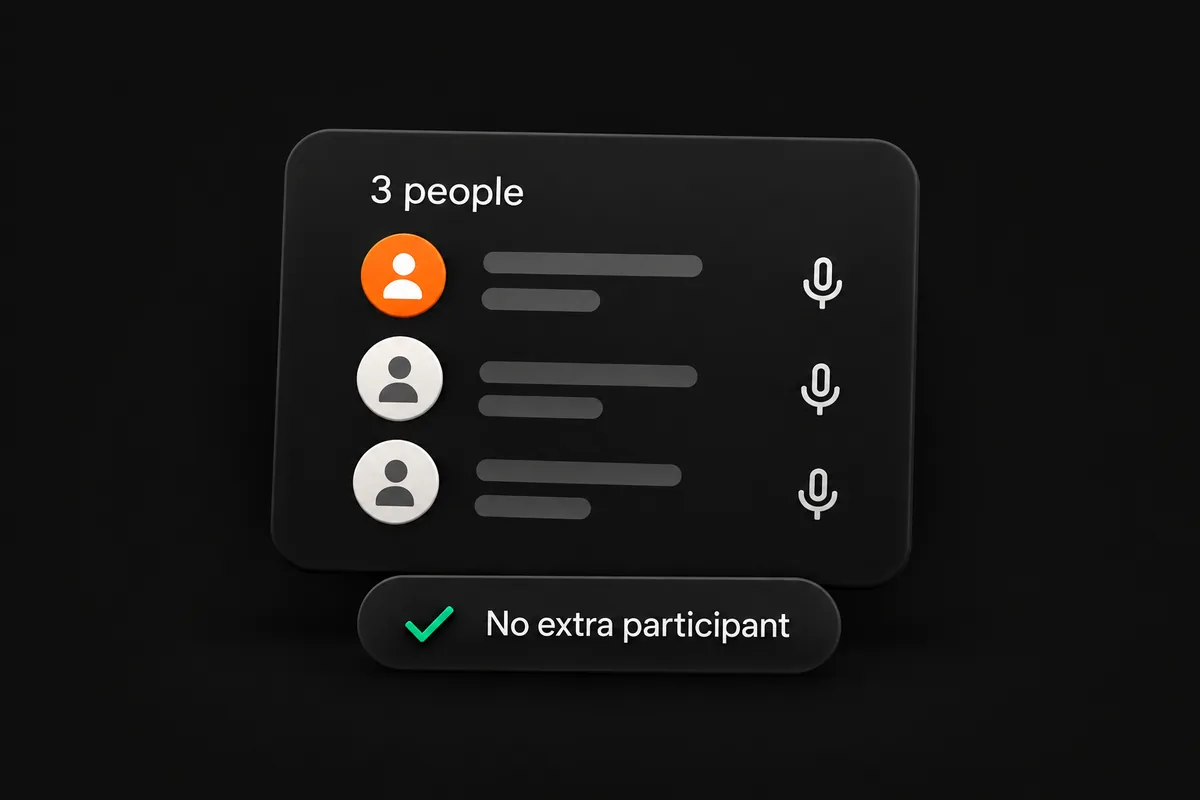
No bot joins the call
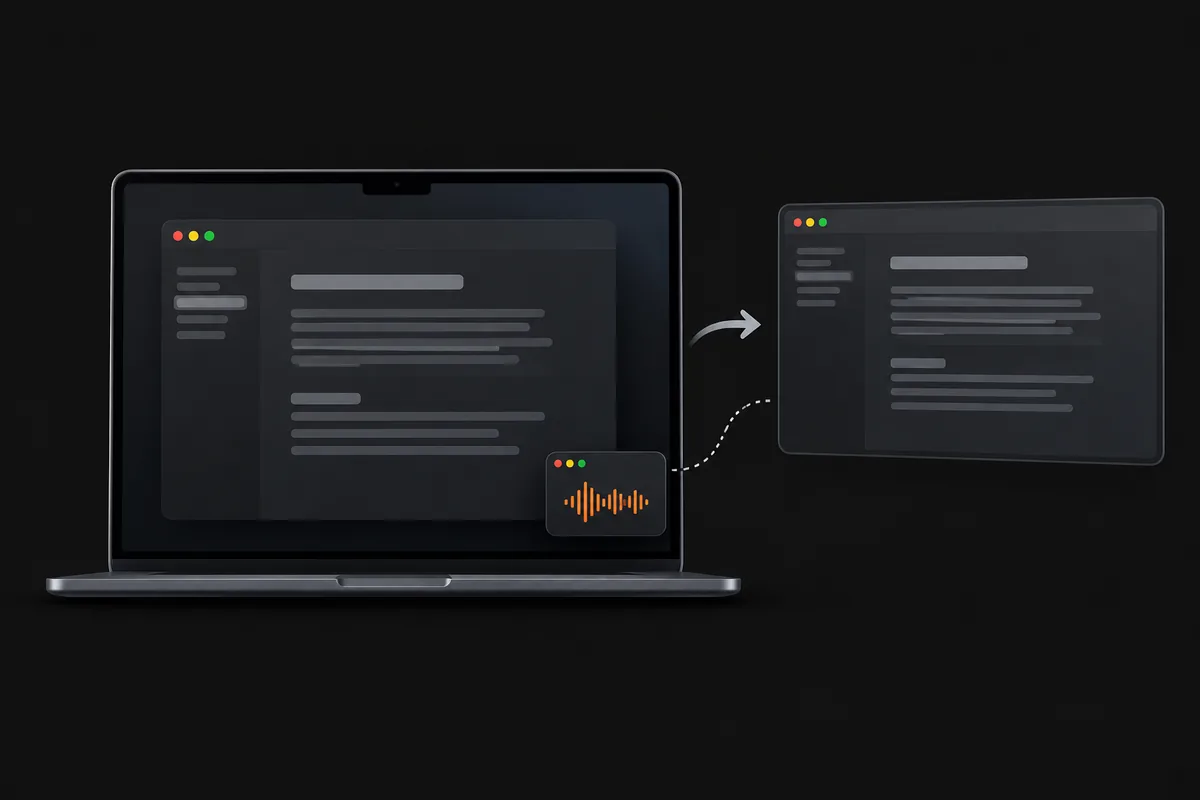
Listens to your computer’s audio. No extra participant to admit.
Your personal AI assistant for job interviews, freelance client calls and presentations. Get live answers grounded in your documents and screen, transcription, and post-call reports.

Works with every meeting app — zero bots required
Live, private answers across your whole calendar—with no meeting bot, no stealth paywall, and a free plan to start.
Listens to your computer’s audio. No extra participant to admit.
Your overlay stays with you. Hidden from screen shares and recordings.
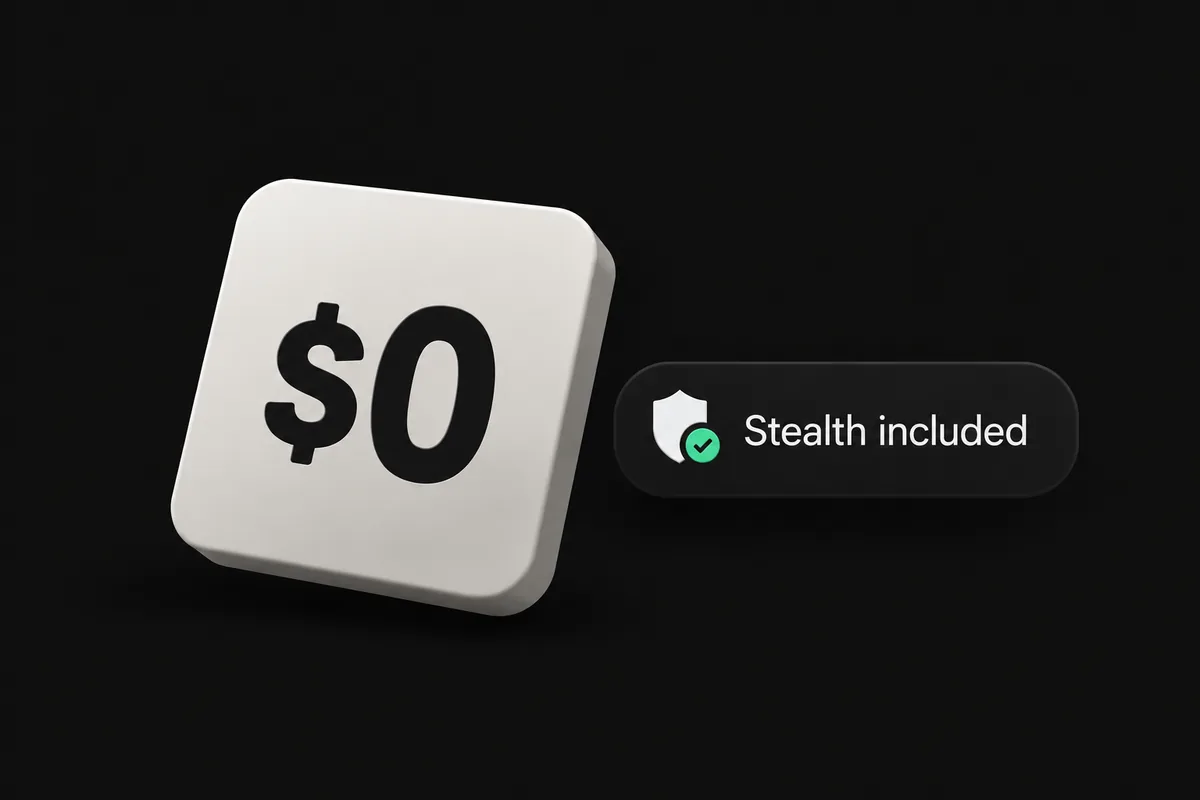
Try a real call for free. Stealth is included on every plan.
Meeting Flow runs on your Mac and listens to both sides of the call.


Everything appears in a private overlay on your screen.


Zoom, Meet, Teams, Webex, Slack and more.
Transcribed live, then discarded.
On-device mode keeps raw audio local.
No listening and no credits used while paused.
Live, private answers across every meeting—with screen-share stealth included on the free plan.

Based on published individual plans as of September 2026.
Answers, supported calling apps, privacy, and plan details.
Your personal AI assistant transcribes the conversation and suggests answers or talking points while the call is happening. Meeting Flow grounds its live answers in your profile, documents and screen context, then creates a post-call report. Use it for job interviews, freelance client calls, sales calls and presentations.
For job interviews, add your résumé, role details and relevant examples to your profile so suggested answers reflect your experience. For freelance client calls, add your proposal, scope, pricing and project documents to help you respond to questions and discuss next steps. Meeting Flow assists you personally during the call; review every suggestion for accuracy.
Meeting Flow works with Zoom, Google Meet, Microsoft Teams, Webex, Slack huddles, Discord and browser calls. The app runs on macOS 14 or later with Apple silicon (M1–M4). A Windows version is in development.
You choose. By default, live transcription uses a hybrid route that transcribes your mic locally and streams remote call audio over an encrypted relay for instant multi-speaker accuracy—without recording or storing audio. You can switch to 100% on-device Whisper in Settings at any time so no audio ever leaves your Mac.
AI responses pause until your monthly credit allowance resets or you upgrade—nothing is billed automatically and your saved session history stays intact.
Meeting FlowInstall in under a minute, add your meeting context or resume, and get private real-time answers on your very next call. Free plan included.
macOS 14 Sonoma or later · Apple silicon (M1/M2/M3/M4)