Step 1
Open the download
Open MeetingFlow.dmg from Downloads.

Real-time answers, live transcription and guidance grounded in your documents and screen. Choose your platform below to download Meeting Flow.
Windows — coming soonBefore we discuss architecture — how does this scale compare to your previous workload?
Interviewer
And what did last quarter’s database migration actually cost in terms of downtime?
Migration ran three weeks over on a fixed-fee contract, so billing was unchanged. It cut reconciliation from four days to six hours and has maintained 99.97% uptime since cutover.
Nothing to configure in a dashboard first — the app walks you through the rest on first launch.
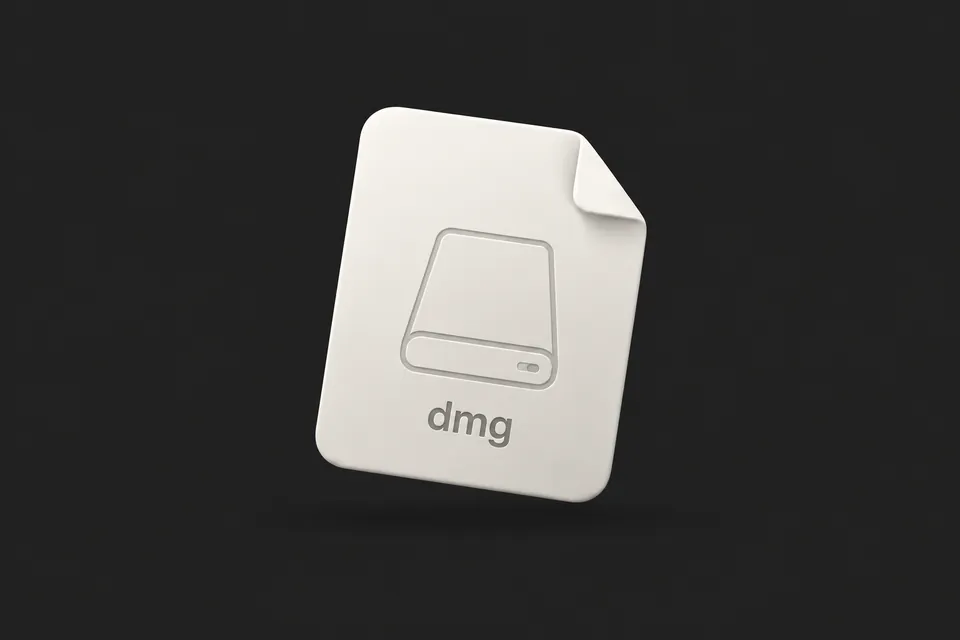
Step 1
Open MeetingFlow.dmg from Downloads.
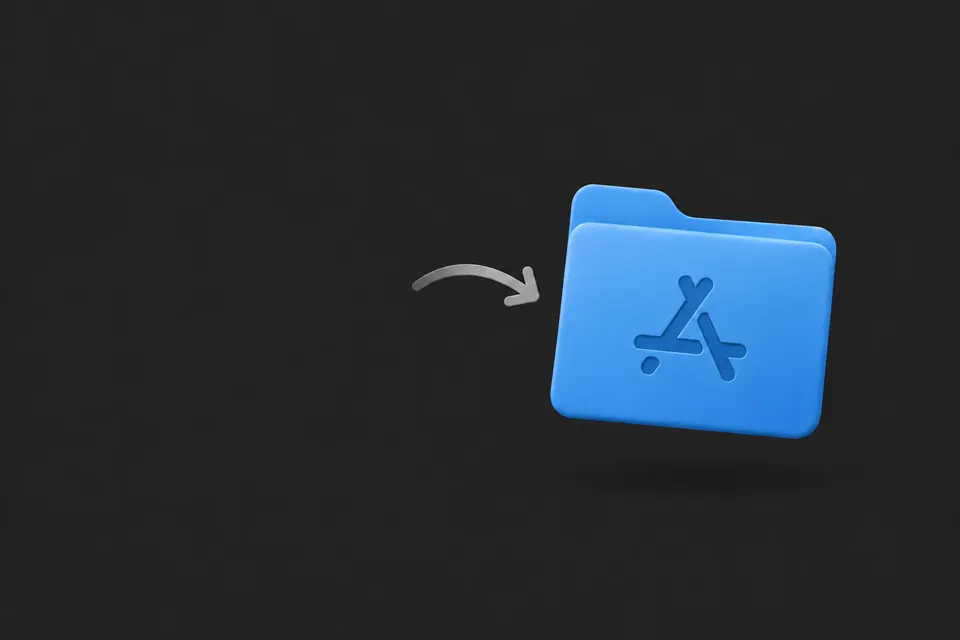
Step 2
Move the app into Applications, then open it.
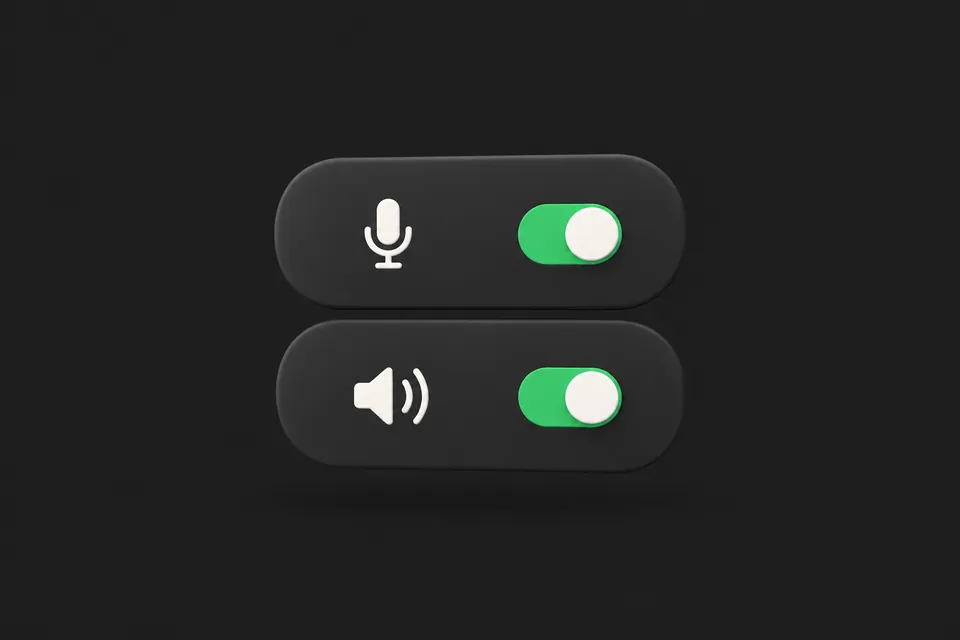
Step 3
Enable microphone and system audio to hear both sides.
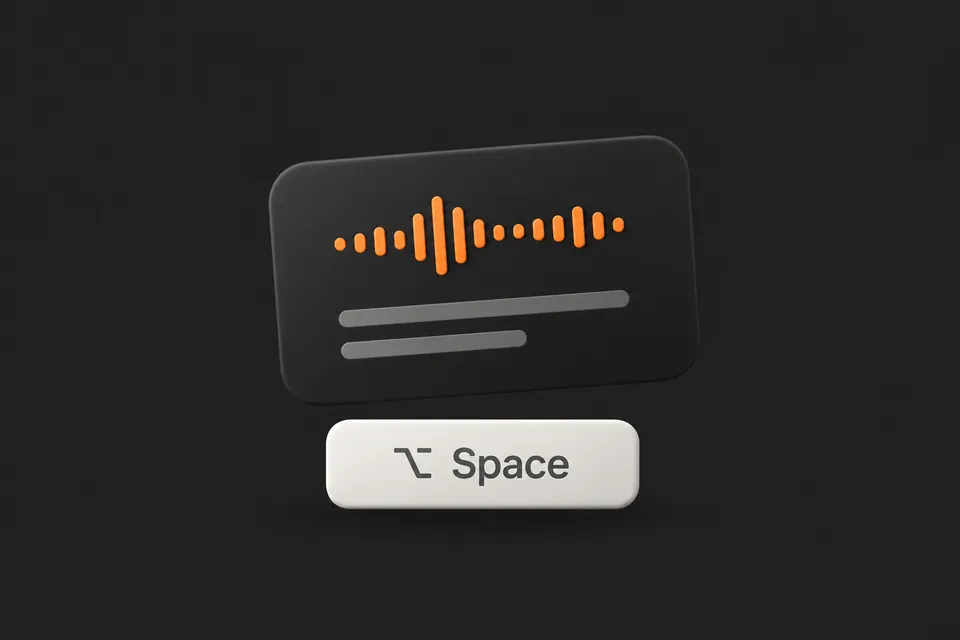
Step 4
Start a meeting. Press ⌥ Space for the overlay.
Modest hardware and two audio permissions. Transcription works offline; answers need an internet connection.
The things people ask most before installing. Anything else, the help center covers.
Yes. The app is free to install, and a free account includes enough credits to run a couple of real meetings. Paid plans only add more monthly AI credits and saved profiles — screen-share stealth is on every plan.
Download Meeting Flow from this page. On Windows, open the installer; on macOS, move the app into Applications. Allow the audio permissions needed for the capture features you use.
Not yet. The macOS app requires Apple silicon (M1 or later) running macOS 14 Sonoma or newer.
Installed apps check for updates automatically. On Windows, updates download in the background and apply when you quit, so they do not interrupt a meeting. You can see release changes on the changelog.
Cloud transcription sends audio to a speech provider; on-device transcription keeps audio local. Relevant transcript text, your selected profile and any window image you choose to capture are sent to AI providers. Read our privacy policy for details.
The Windows download is being prepared. It will appear on this page when it is available, and the same account and plan will work on both platforms.
Quit Meeting Flow. On Windows, uninstall it from Settings → Apps. On macOS, drag it from Applications to the Trash. Your account and plan stay intact if you reinstall later.